
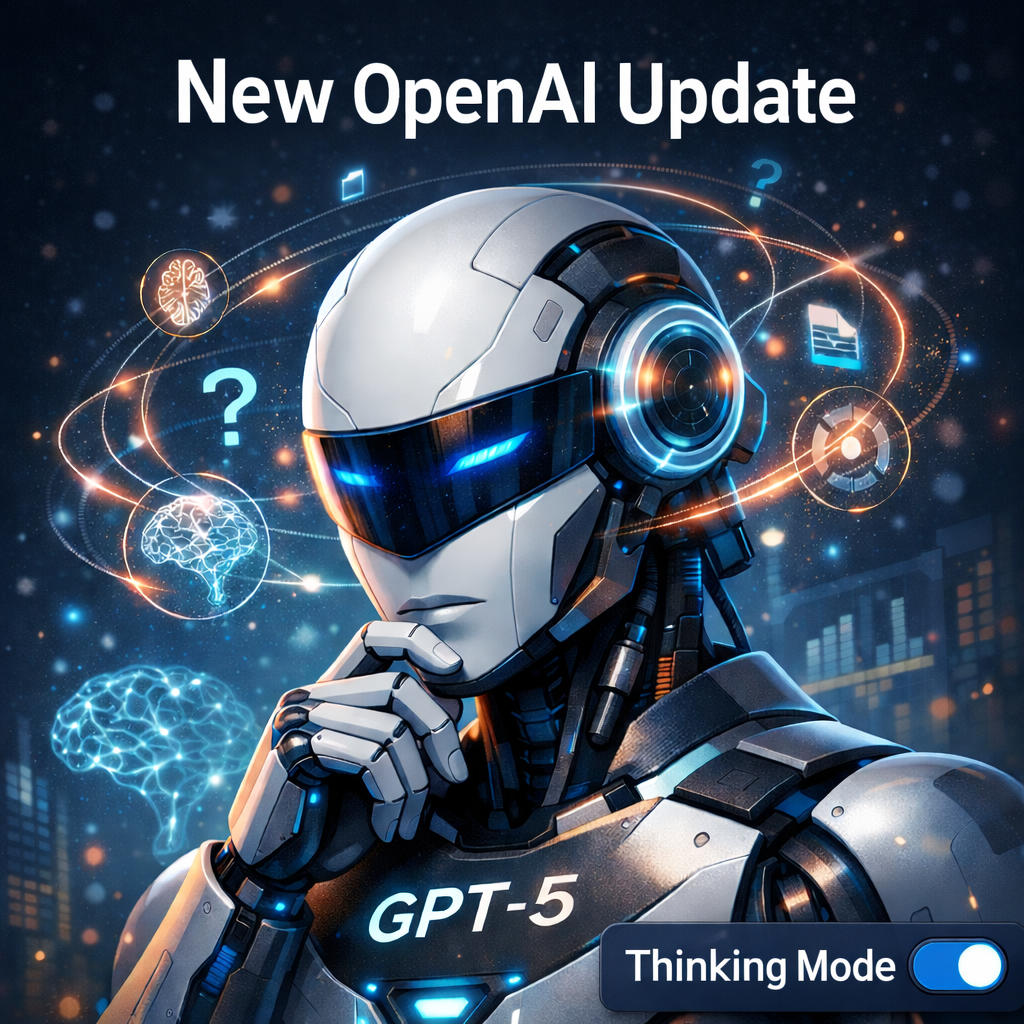
OpenAI’s latest ChatGPT updates introduce GPT-5, the most advanced AI model released so far. This update improves accuracy, strengthens reasoning, and delivers a smoother overall user experience. Unlike earlier versions, GPT-5 intelligently adjusts its response style based on the complexity of your question.
In simple terms, GPT-5 knows when to answer instantly and when to think deeply.
Table of Contents
What Is the GPT-5 Update?
The GPT-5 update is designed to handle everything from everyday questions to professional-level tasks with greater reliability. Users no longer need to switch between multiple models manually—GPT-5 combines speed and intelligence into one unified experience.
Initially, the Thinking Mode toggle was available only on the web version of ChatGPT. By late December 2025, OpenAI began rolling it out to Android and iOS users as part of its broader ChatGPT updates.
GPT-5 Thinking Mode Availability
Free Users
- Can access GPT-5.2 Thinking Mode
- Thinking Mode is not enabled by default
- Comes with usage limits
Plus Users
- Can manually select GPT-5.2 Thinking Mode
- Receive a fixed usage allowance
Pro & Business Users
- Get significantly higher usage limits
- Access advanced Thinking Mode controls
How Does Thinking Mode Work in ChatGPT?
Thinking Mode allows ChatGPT to spend more time analyzing your prompt before generating a response. When you turn it ON, the model prioritizes depth, structure, and accuracy.
This mode is useful for:
- Complex problem-solving
- Technical explanations
- Professional writing and analysis
Unlike Normal Mode, Thinking Mode focuses on clear reasoning and well-structured output rather than speed. You can easily switch Thinking Mode ON or OFF using a toggle, depending on your task.
Thinking Mode vs Normal Mode
| Feature | Normal Mode | Thinking Mode |
|---|---|---|
| Response Speed | Very fast | Slower |
| Reasoning Depth | Basic | Advanced |
| Accuracy | Good | Higher |
| Best For | Simple questions | Complex tasks |
| Output Style | Short and direct | Detailed and structured |
Advantages of the Latest ChatGPT Updates
- Higher accuracy with improved reasoning and fact-checking
- Ideal for professional work, including research and analysis
- User control, allowing you to choose speed or depth
Disadvantages of the ChatGPT Update
- Slower responses in Thinking Mode
- Unnecessary for simple tasks
- Limited usage for free users
- Responses may feel overly detailed for quick queries